We recently received a concerning message from Martha of East Millinocket, Maine. She contacted us to share her distressing experience related to her small business’ Facebook page. Here’s what she had to say:
“I have a small business (it’s been inactive due to my husband’s illness for 3 years), but we have a website that we hoped we can be able to use eventually. We have a Facebook page that we have never really used for business. Suddenly last week, I noticed we had deductions from Facebook for $400+ numerous times. We can’t afford this. I went on to FB and found my advertising limit had been adjusted to $400. I did not do this, but they are draining our checking account dry. Do I report to the FCC or what? I really could use some advice on how to proceed. Thank you.”
– MARTHA, East Millinocket, ME
Facebook makes it easy for you to pay for things online through their two services, Meta Pay and Ads payments. Ads payments allow you to pay for ads you want to put on Facebook, while Meta Pay is simply a way for you to make payments on Facebook, Messenger, Instagram, and in participating online stores. However, having these conveniences also comes with the risk of having someone hack into your account, obtain your information, and drain your bank account, like what happened to Martha.
HOW TO MAKE SIRI LISTEN TO YOU LONGER ON IPHONE AND IPAD
How would someone gain access to my Facebook account?
There are multiple ways that a person can gain access to your Facebook account. Some people might have weak passwords, while others may have their information, like their email address and phone number, on their public profile.
Contact your bank or credit card company
I would also advise you to contact your bank or credit card company about the unauthorized purchase. If you have a debit or credit card attached to your Facebook account, your bank or credit card company should be able to help you take the necessary steps to get your money back.
GAME-CHANGING ALEXA SKILLS TO SUPERCHARGE YOUR DAILY ROUTINE
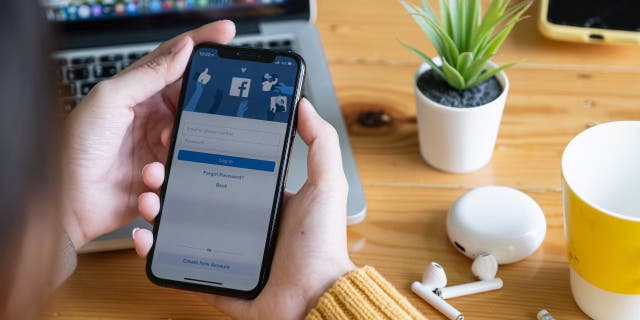
One way to keep your Facebook account safe is to use a two-factor authentication. ( )
FOR MORE OF MY SECURITY ALERTS, SUBSCRIBE TO MY FREE CYBERGUY REPORT NEWSLETTER BY HEADING TO CYBERGUY.COM/NEWSLETTER
Set up login alerts
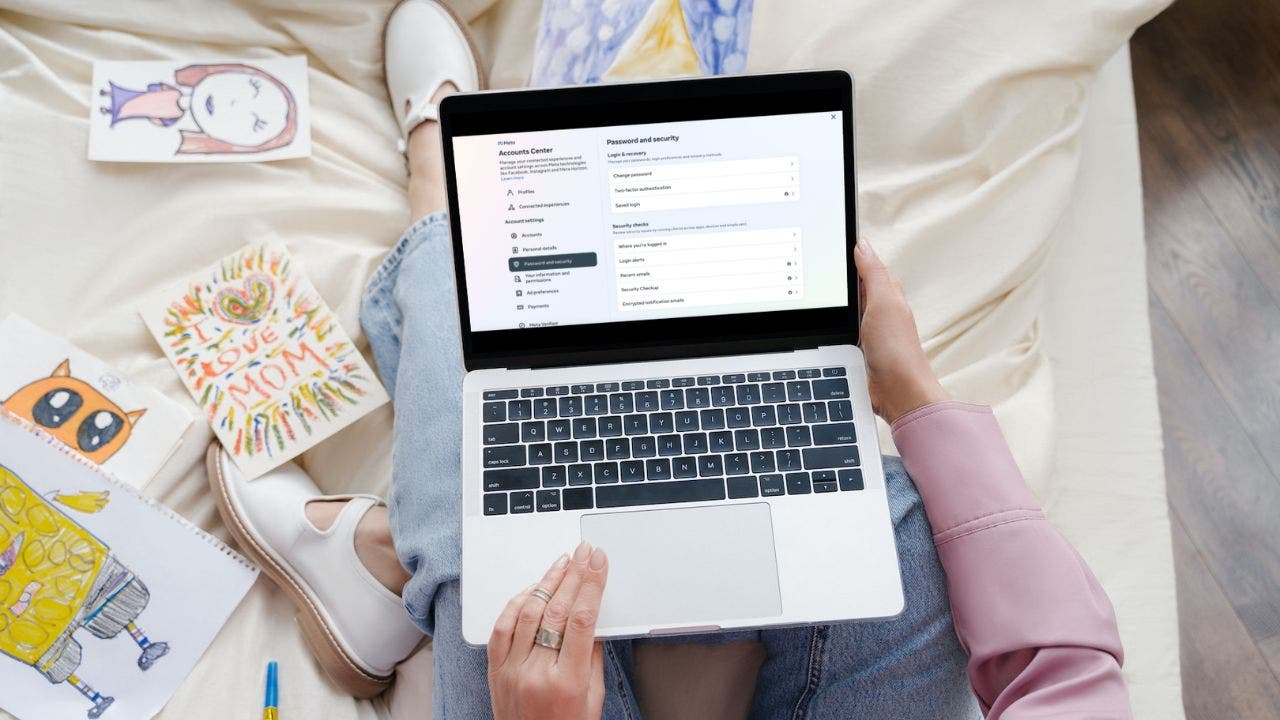
You should also set up login alerts so that you will be notified if anyone logs into your account from an unauthorized device. Here are the steps for setting up login alerts.
- Login to your Facebook account on a desktop computer
- Click your profile icon in the top right corner
- Click Settings & privacy
- Select Settings
- In the sidebar on the left of your screen, click Password and security
- Scroll down and click Password and security again
- Click Login alerts
- Choose your account
- Choose how you want to be alerted (in-app notifications, email, or both)
MORE: DESPERATELY NEED FACEBOOK HELP? DON’T FALL FOR THIS SCAM
What qualities should I look for in a password manager?
When it comes to choosing the best password manager for you, here are some of my top tips.
- Deploys secure
- Works seamlessly across all of your devices
- Creates unique complicated passwords that are different for every account
- Automatically populates login and password fields for apps and sites you revisit
- Has a browser extension for all browsers you use to automatically insert passwords for you
- Allows a failsafe in case the primary password is ever lost or forgotten
- Checks that your existing passwords remain safe and alerts you if ever compromised
- Uses two-factor authentication security
Check out my best expert-reviewed password managers of 2023 by heading to CyberGuy.com/Passwords
Are you concerned about the security of your Facebook account? What steps have you taken to protect your Facebook account from unauthorized charges and hacks? Let us know by writing us at CyberGuy.com/Contact
For more of my security alerts, subscribe to my free CyberGuy Report Newsletter by heading to CyberGuy.com/Newsletter
Copyright 2023 CyberGuy.com. All rights reserved.